
Meeting Setup
info
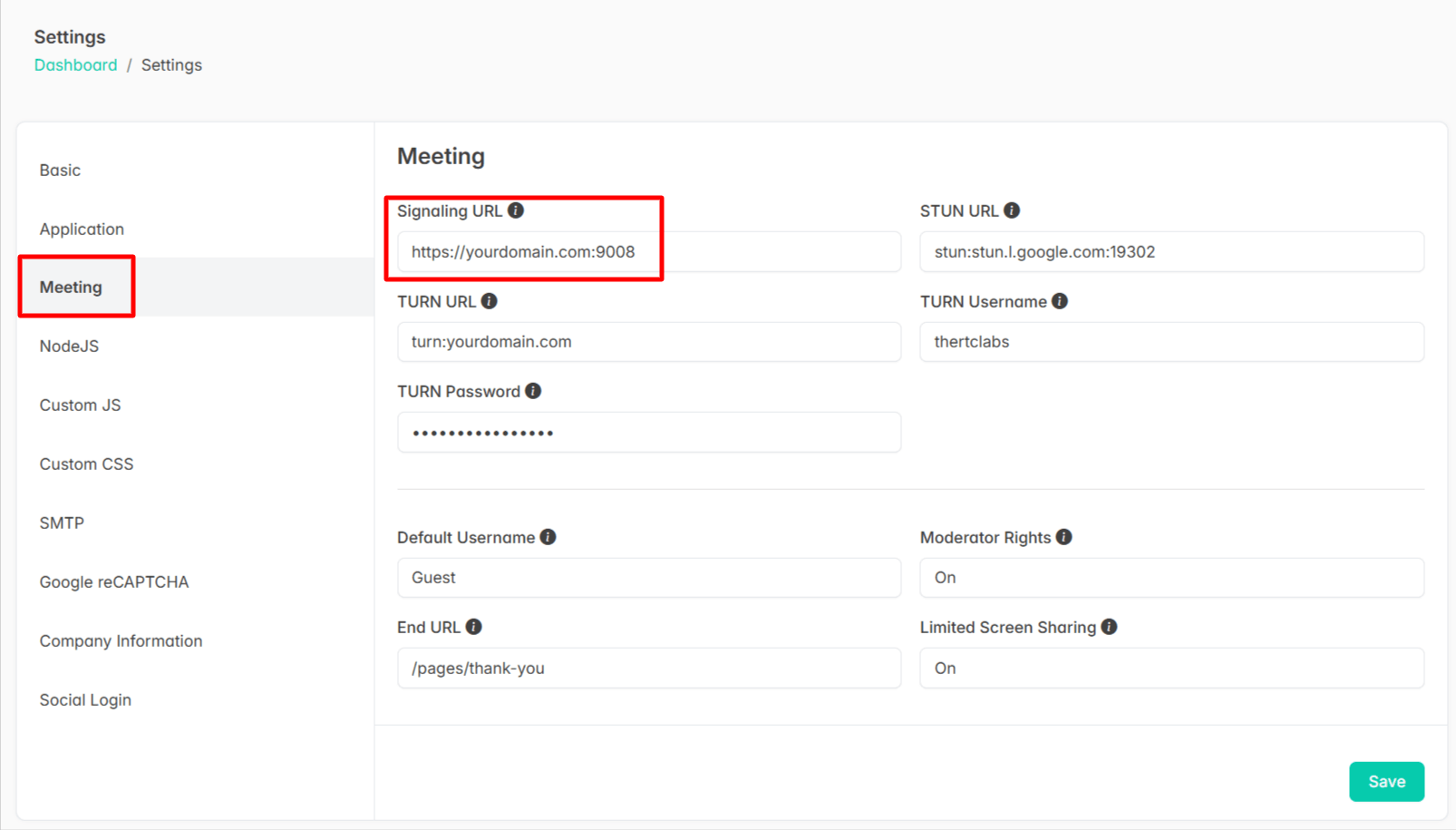
Meeting server setup is automatically configured when using the automatic installation script. In case of errors or invalid configuration into the below mentioned settings, please reconfigure them with correct values as instructed below.
To configure meeting and related services, log in as an admin and navigate to:
Admin > Settings > Meeting
To enable the video meeting in JupiterMeet, you need to start the signaling server.
Follow these steps:
- Navigate to the signaling server directory:
cd /var/www/html/jupitermeet/server- Run the server depending on your environment:
- For live server:
npm run live- For local development:
npm run localsuccess
You’re all set, enjoy hosting unlimited video meetings right from your own server!